
Purpose:
NPCNS Simulator is intended for training of:
- cadets of the navigation faculties in accordance with requirements of Sections A-II/1, A-II/2, as related to gaining navigation plotting skills, and B-II/1 p. "Training in celestial navigation" of STCW Convention at the early stages of training
- small craft navigators
List of basic knowledge and skills, worked out with the use of NPCNS simulator:
- Work with the "printed" nautical chart.
- Position fixing with the use of different methods with the application of simulators of navigational equipment.
- Execution of preliminary route plotting and route monitoring.
- Conducting of main types of navigational calculations, required during the vessel is on the way.
- Use of astronomical instruments and teaching aids for the aims of vessel’s position fixing and heading indication system adjustment reckoning in real time mode.
Content
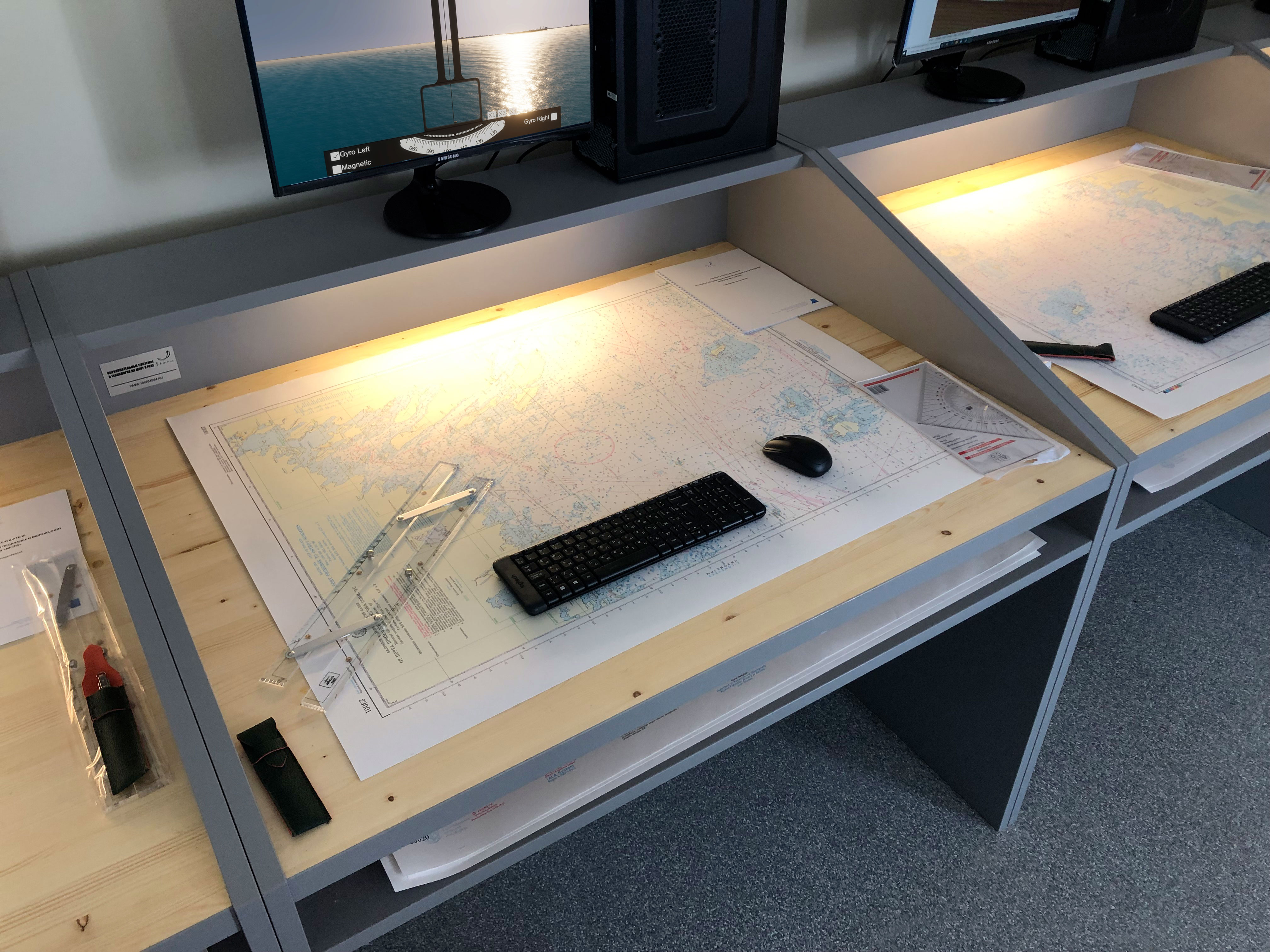
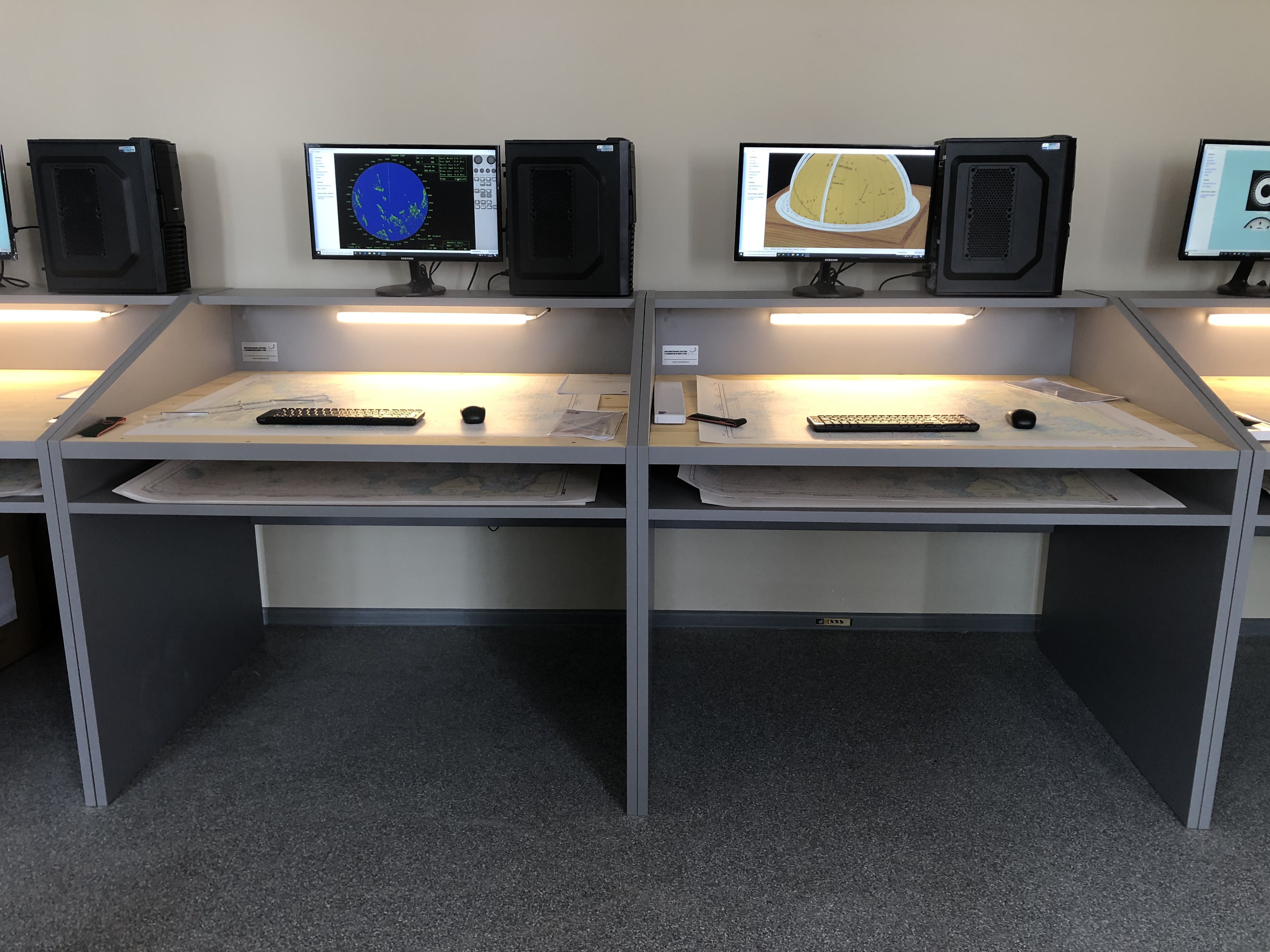
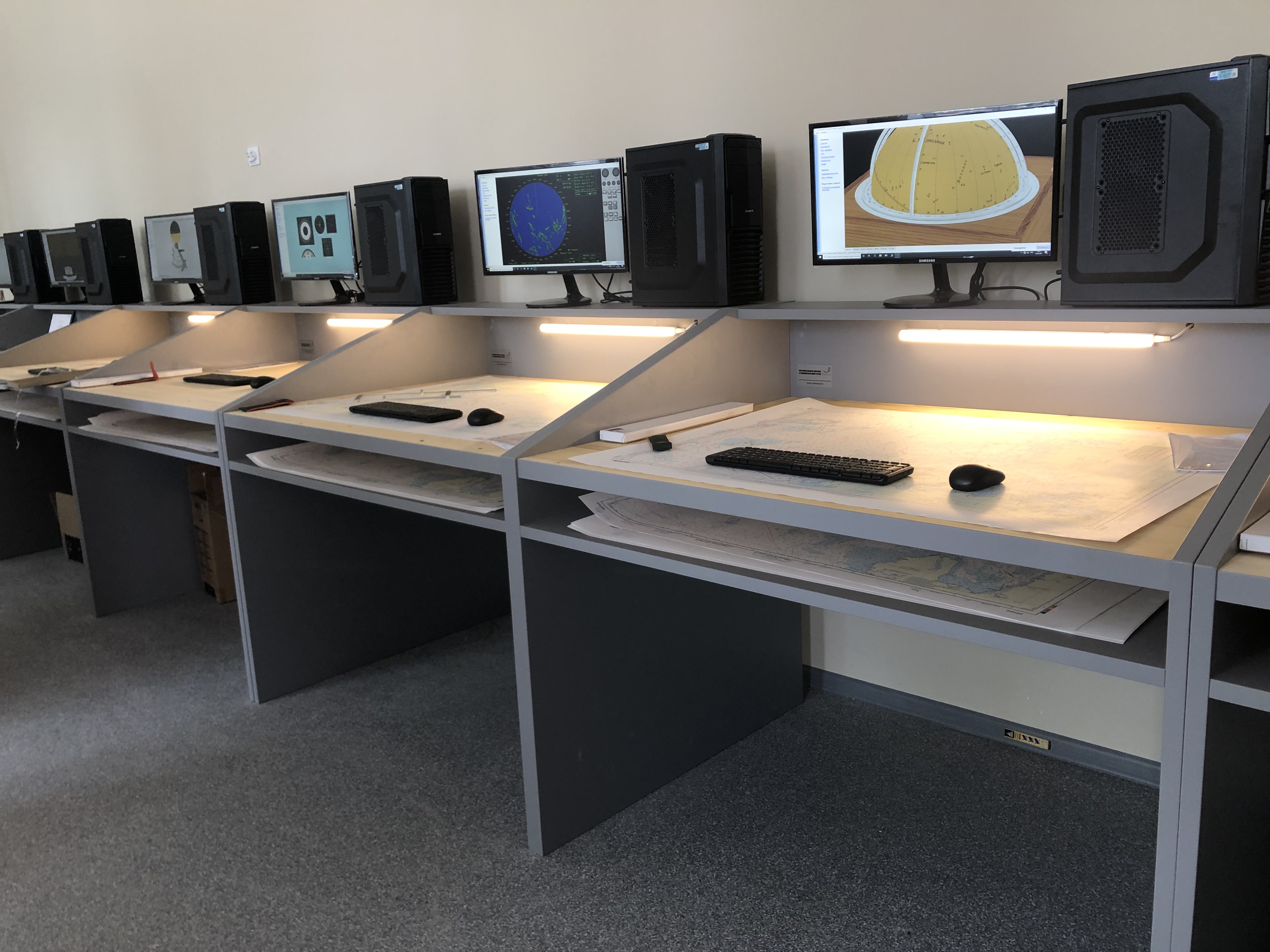
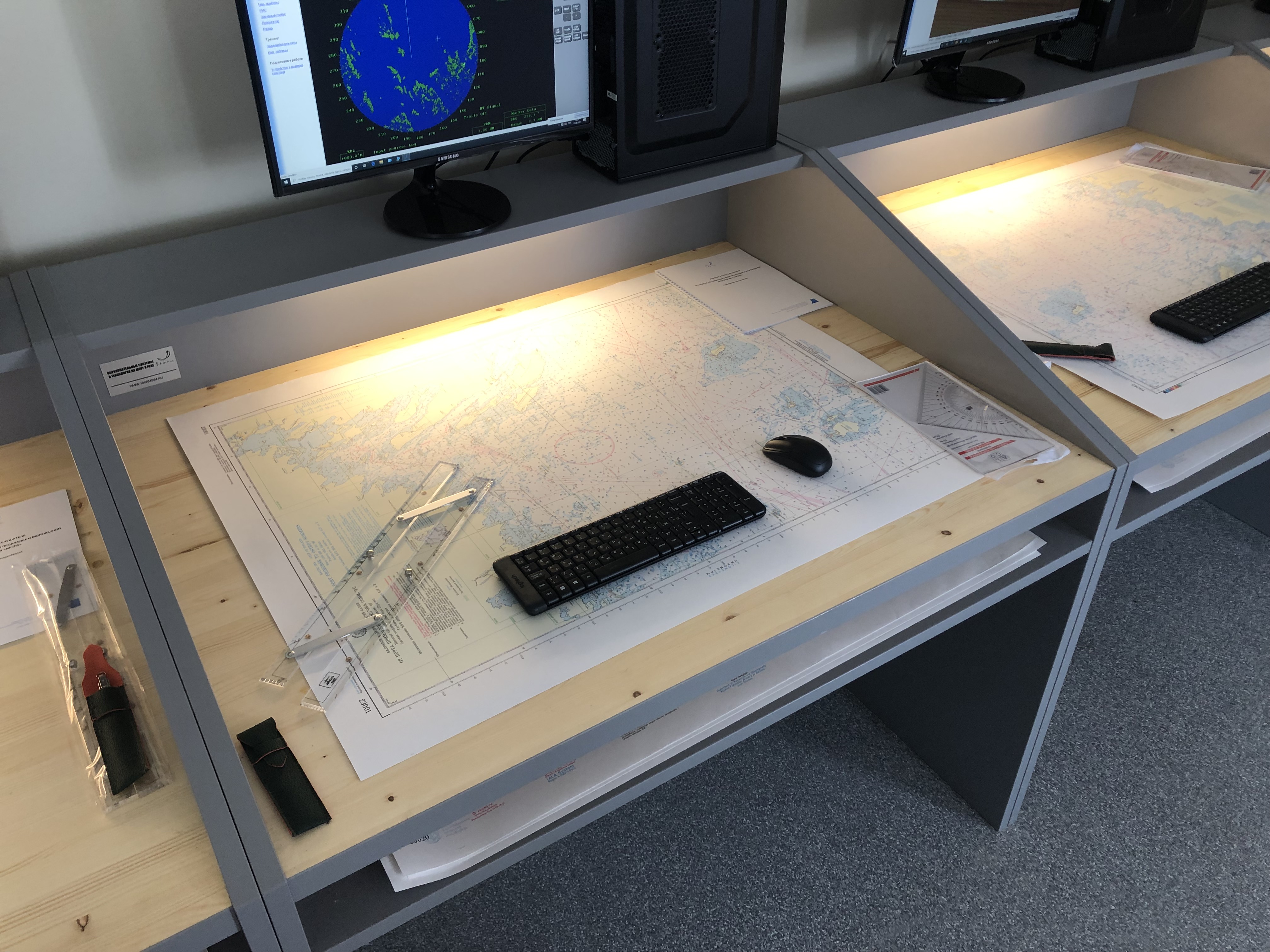
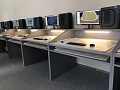
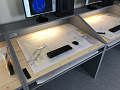
The simulator consists of the Instructor workplace and Students workplaces interacting with each other over a local network. The Student workplace is equipped with software, computer equipment, a set of printed nautical charts, plotting instruments and a specialized chart table.
Scheme of work
Instructor on the Instructor WorkPlace issues to each Student WorkPlace advance made exercises, consisting of one or several navigation or astronomy tasks.
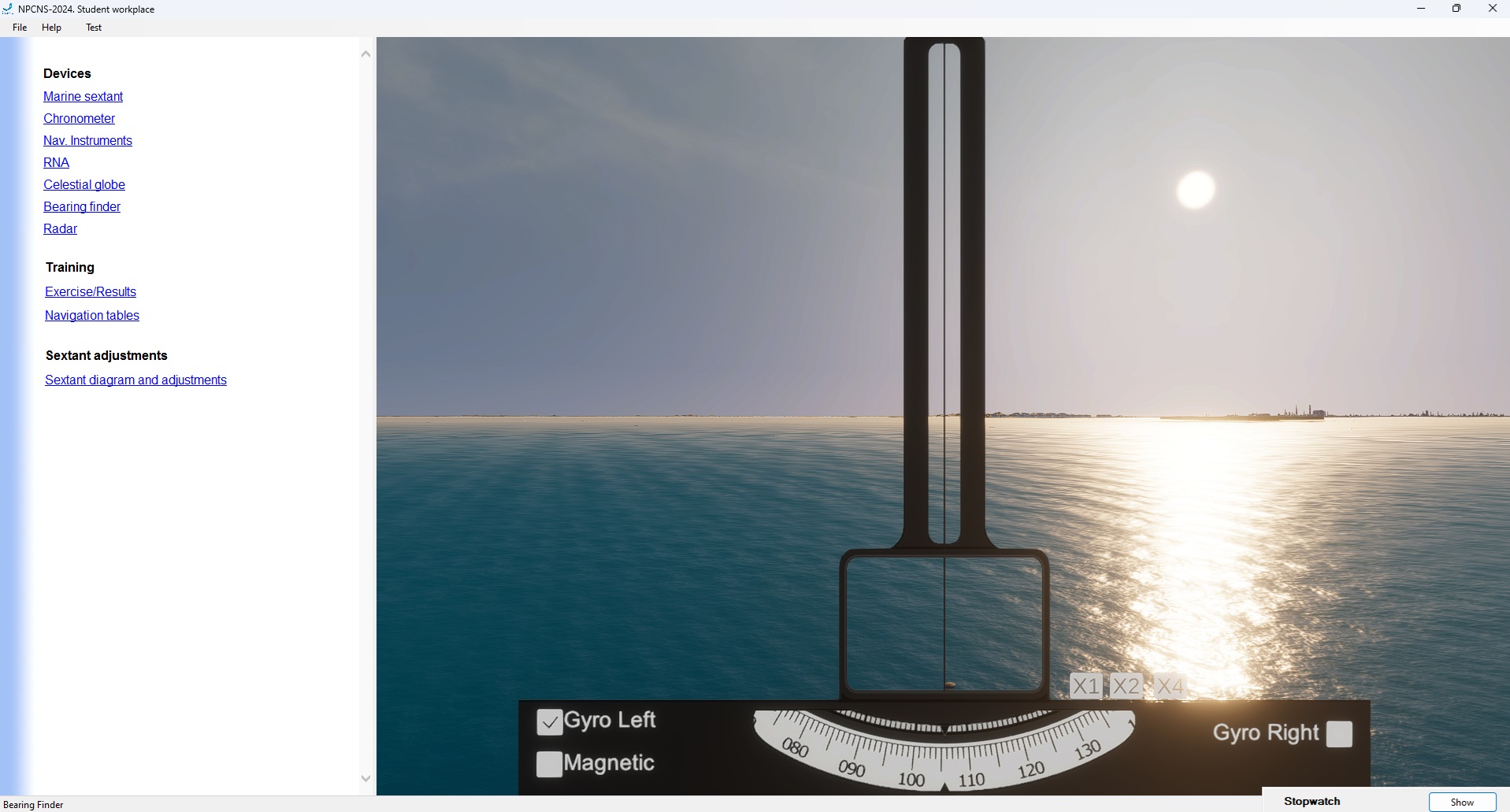
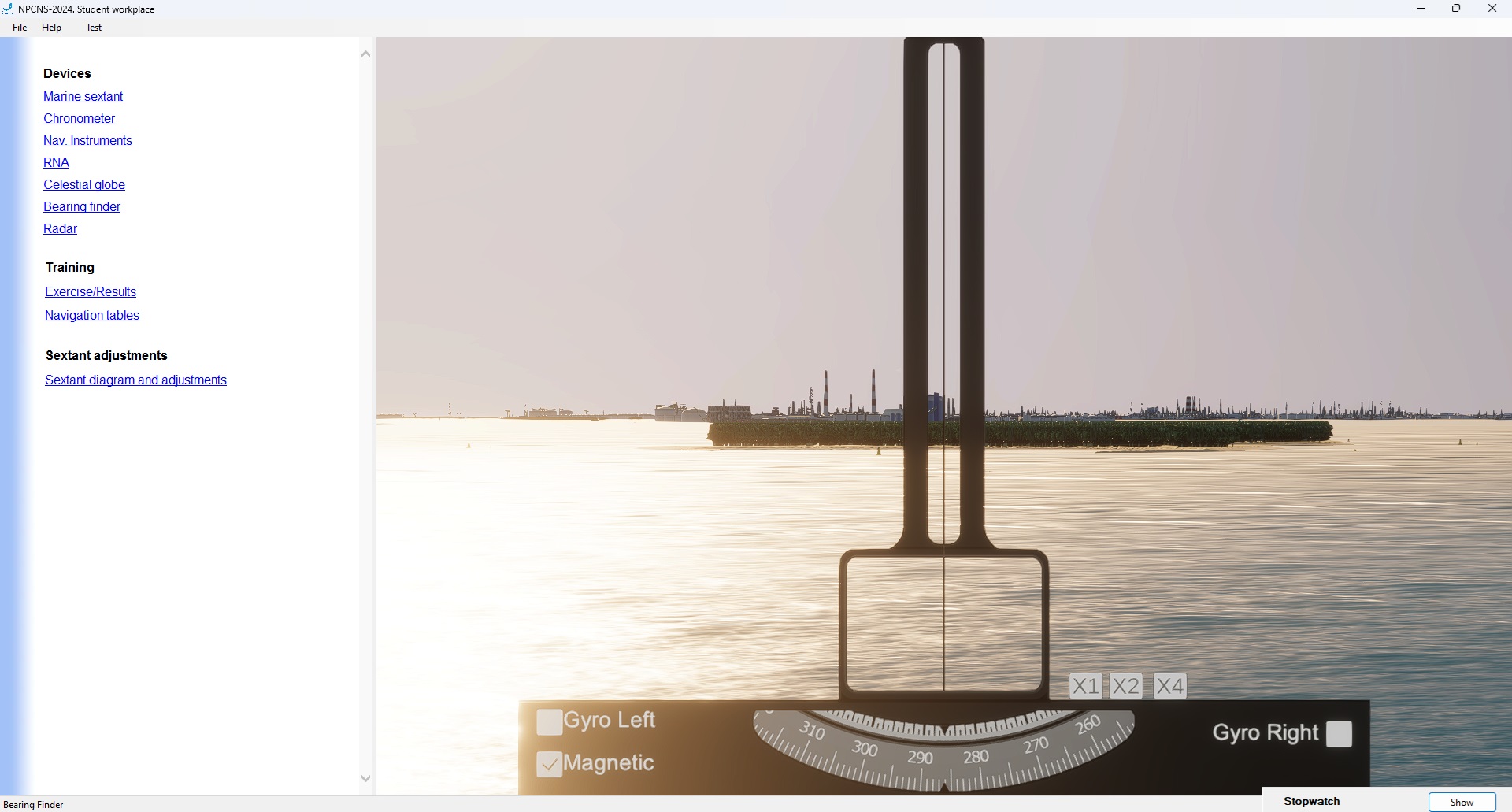
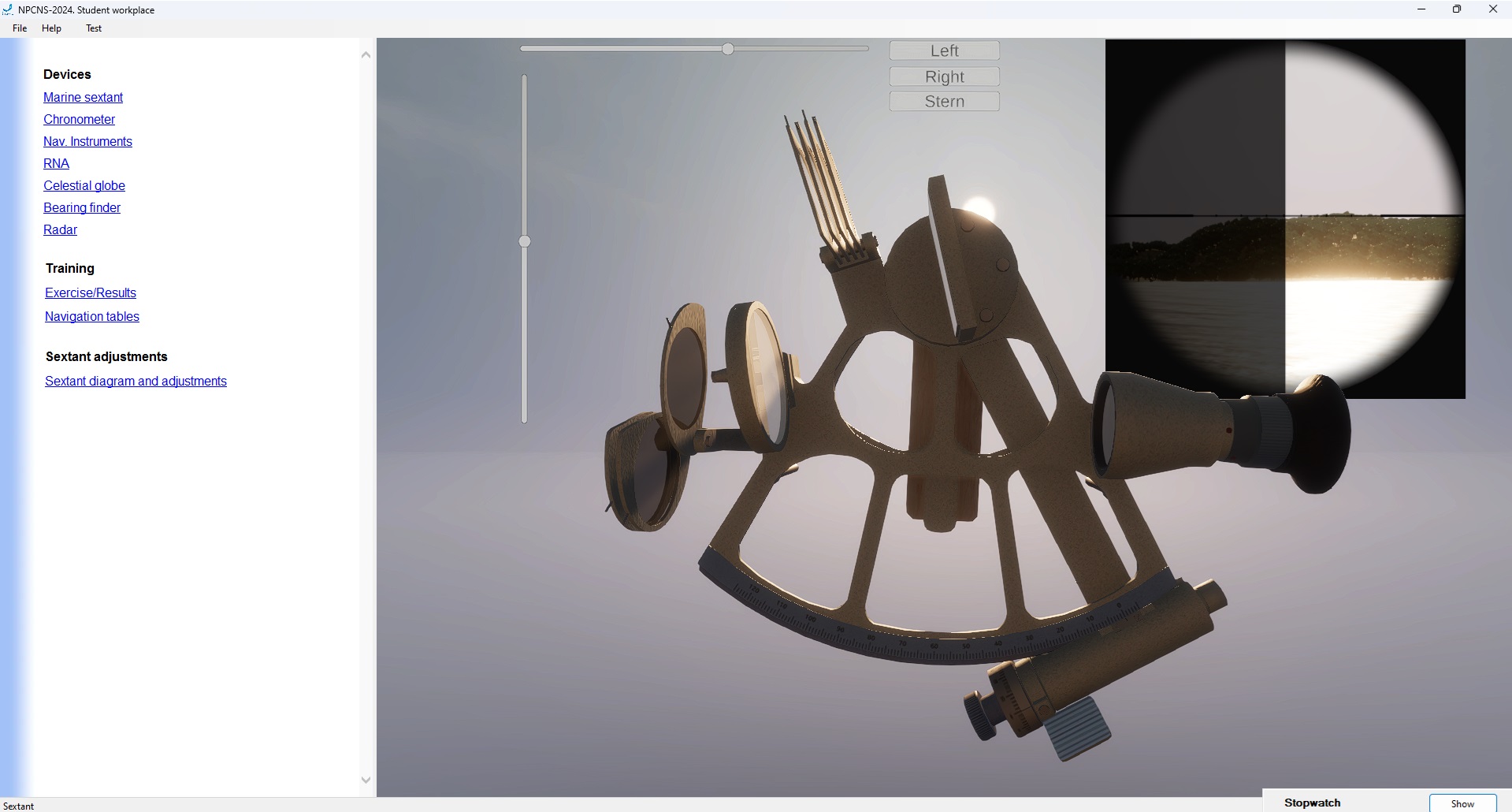
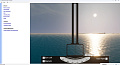
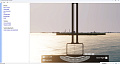
For task solution each student being on its "virtual" vessel has the possibility to: observe surface picture and sky, take readings from the navigation equipment and astronomic instruments imitators, use "paper" nautical charts and astronomic tables.
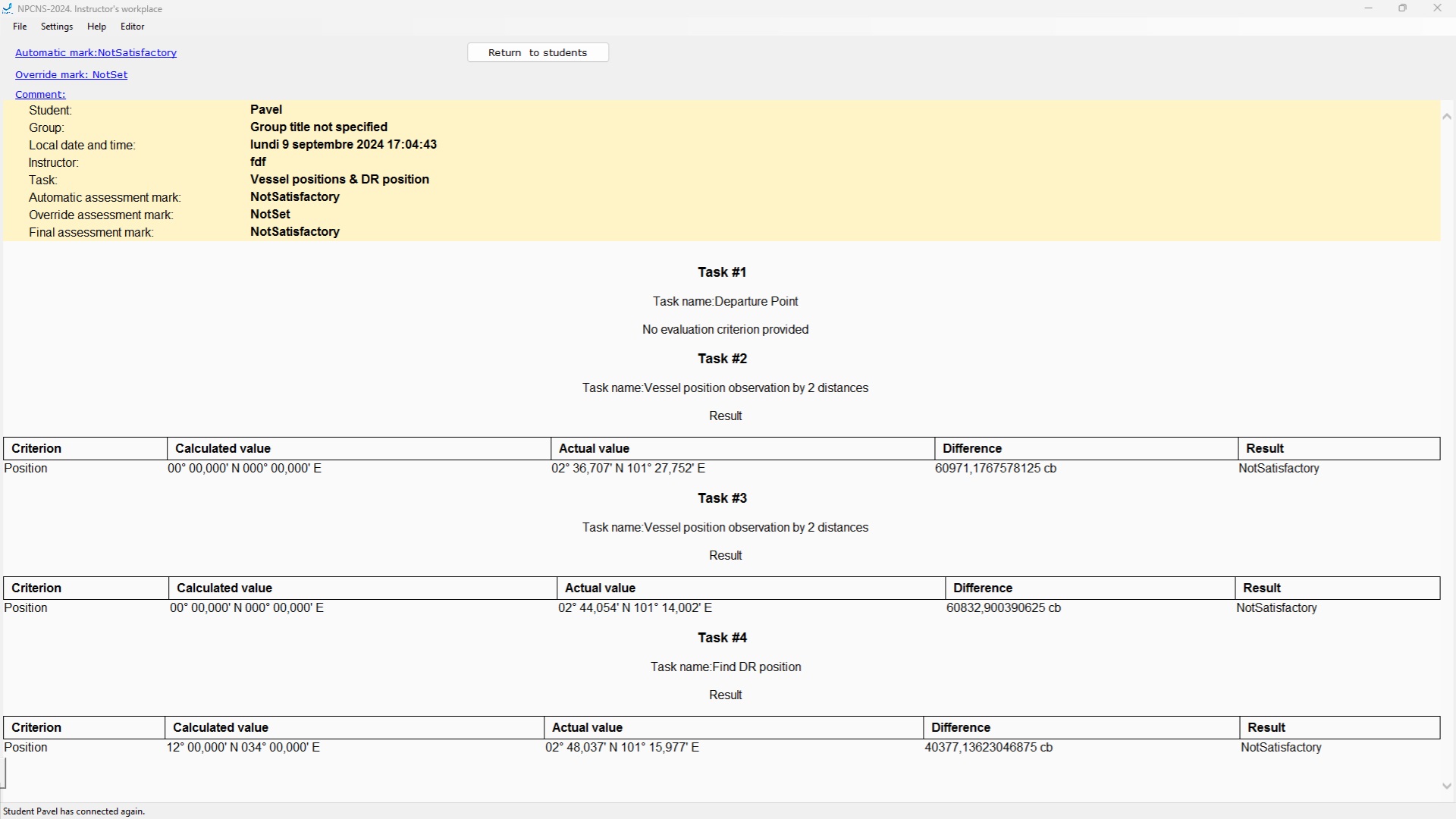
Results of performing calculations on each task are saved on Student WorkPlace. After performing of the full exercise results of calculations are sent to Instructor WorkPlace where automatic valuation is made.
Instructor WorkPlace software
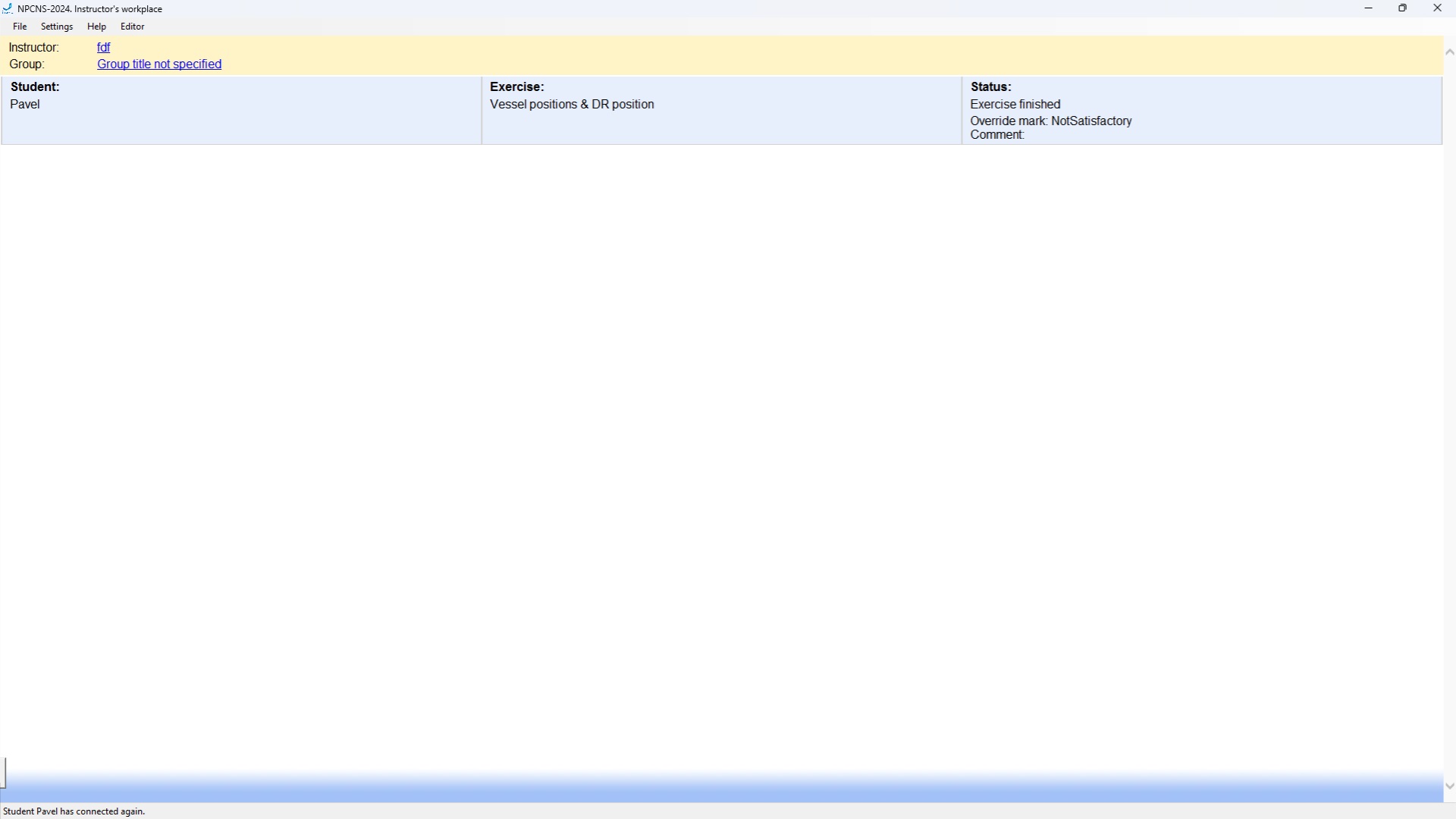
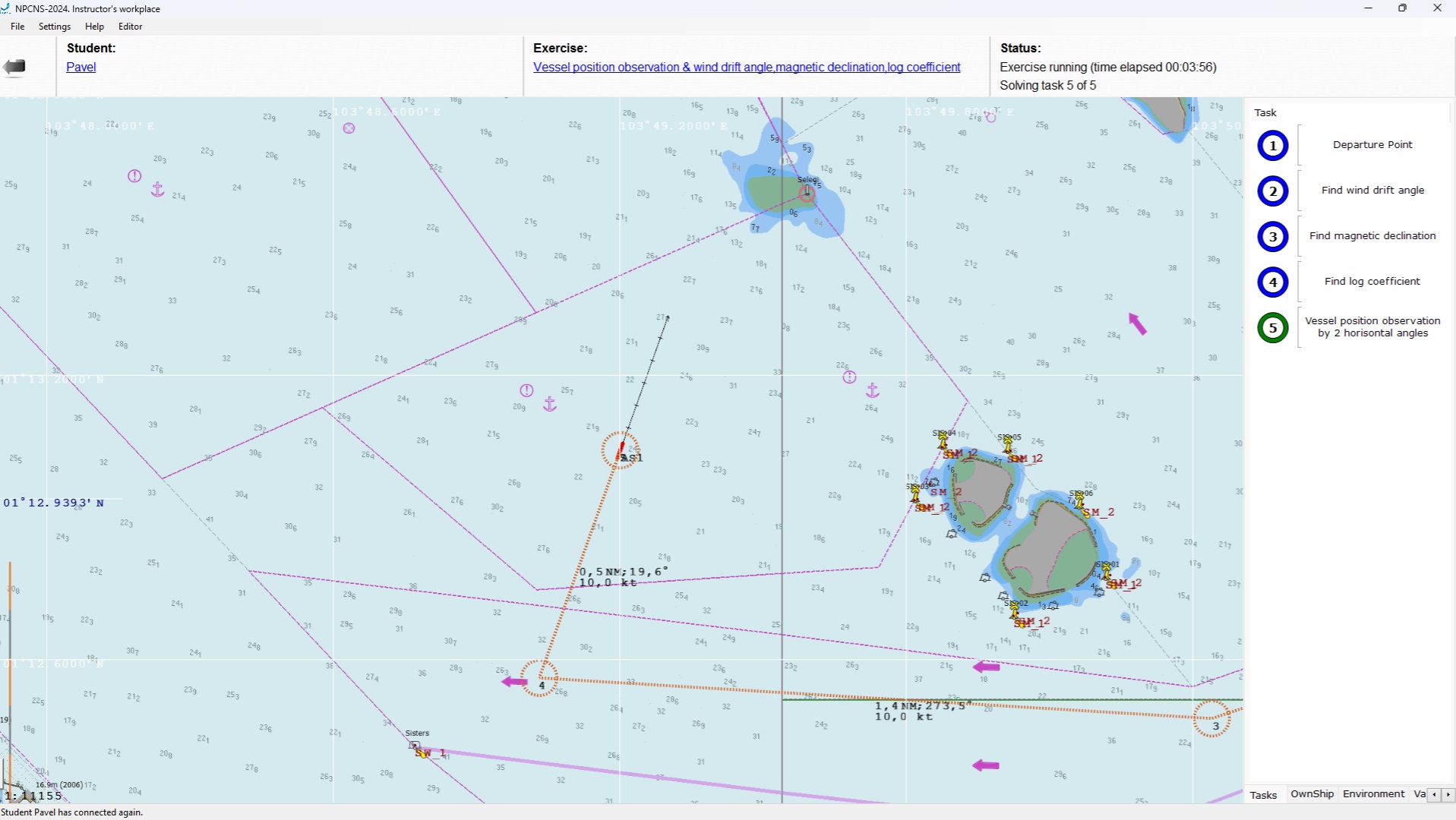
Instructor WorkPlace is intended for control of the students' training process.
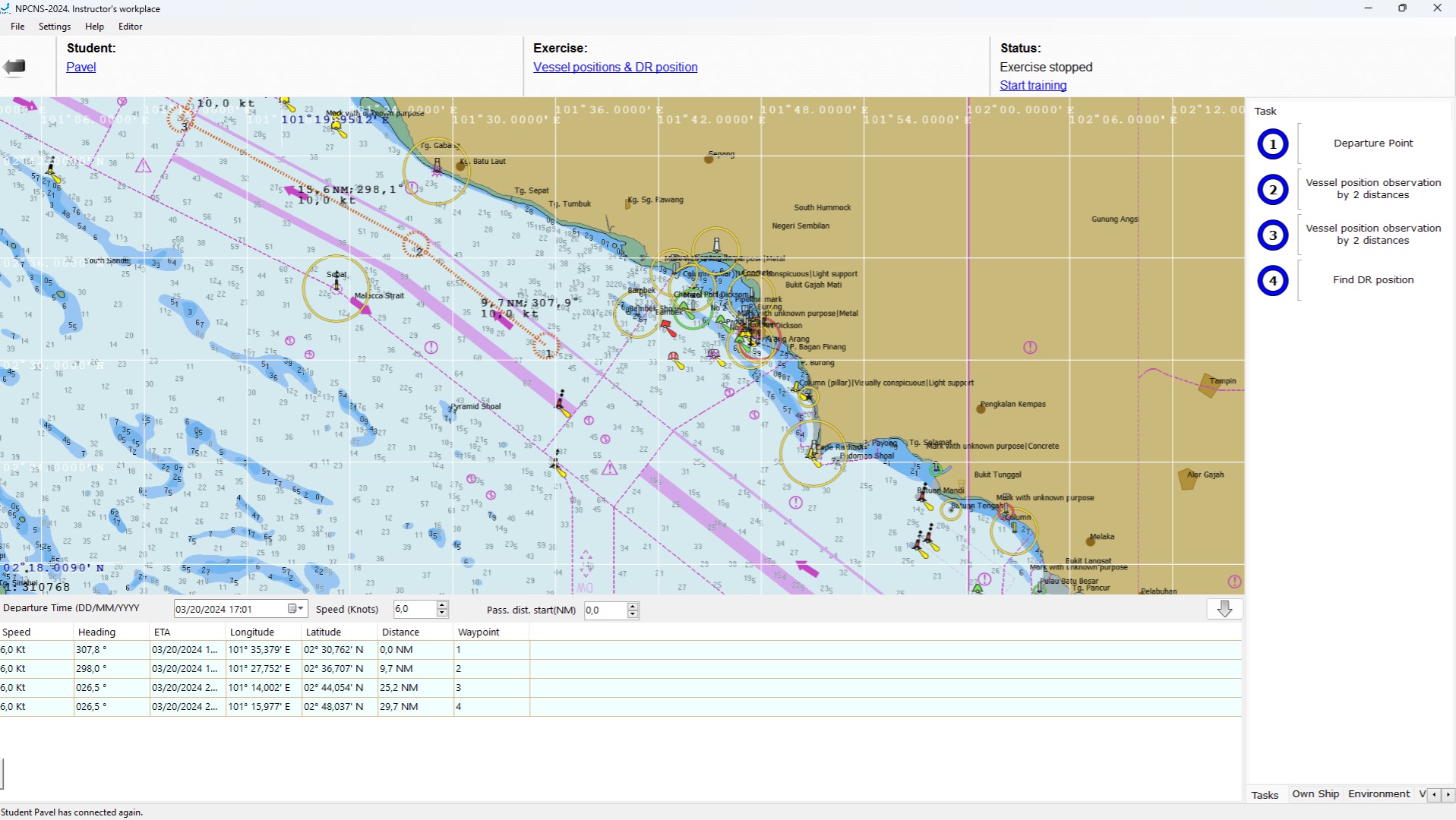
With the help of Instructor WorkPlace software instructor has the possibility of:
- assign advance made exercises to Student WorkPlaces;
- control the status of student included tasks performance;
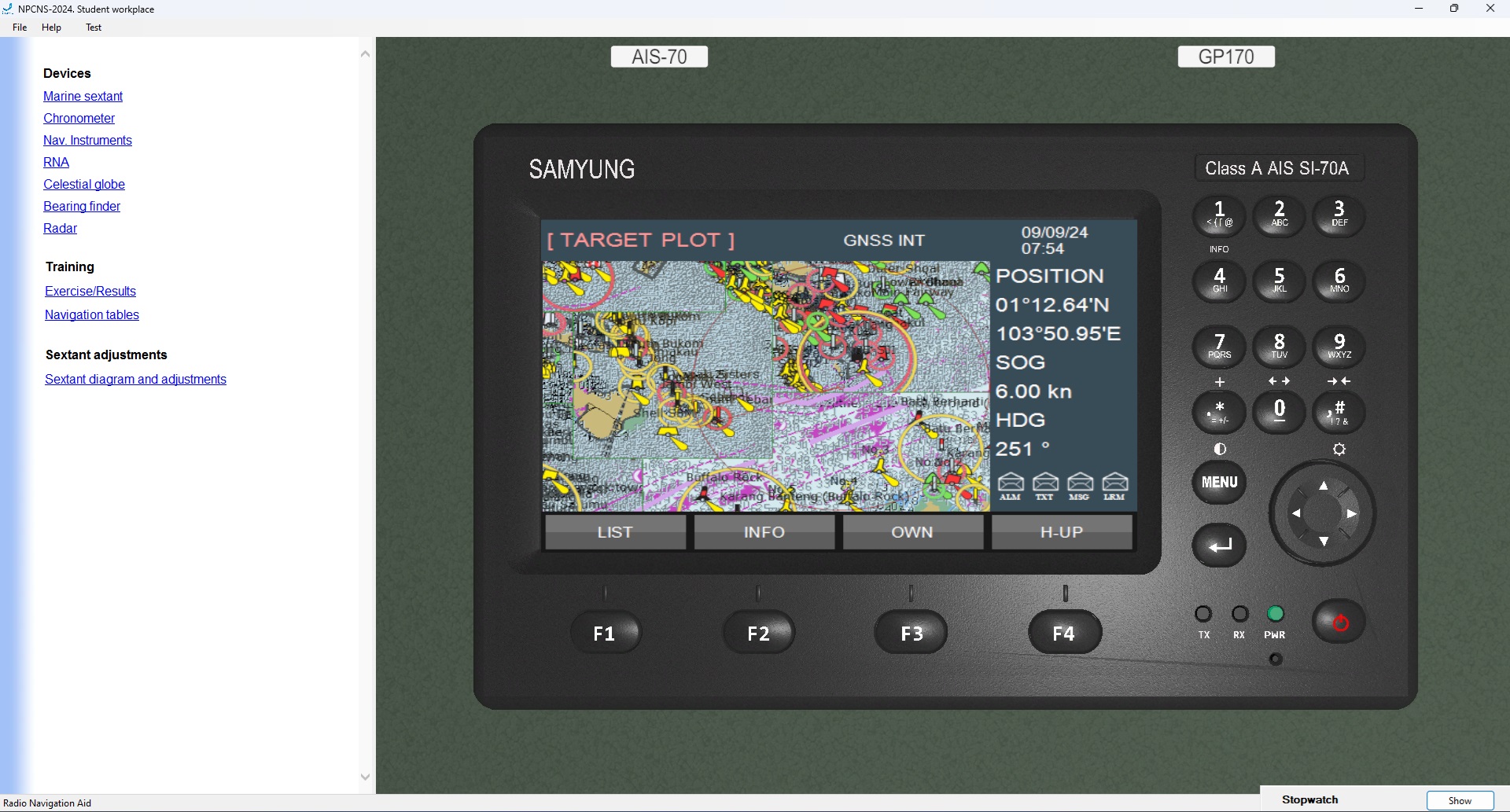
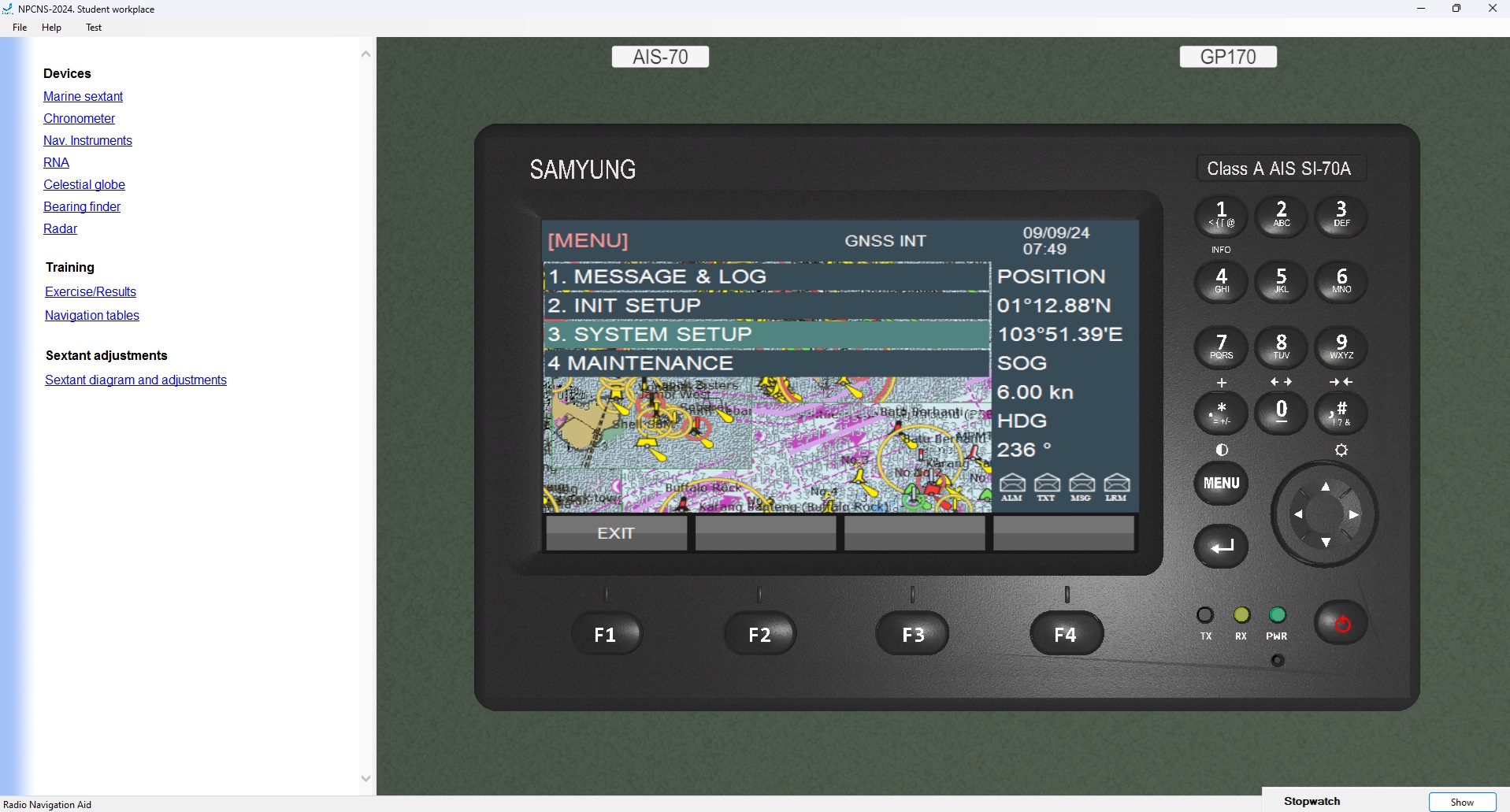
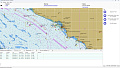
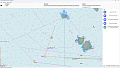
- on the implemented electronic chart system and a set of vector charts monitor the way points, current location, course, speed and other vessel parameters, location of target vessels and navigation references;
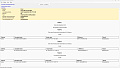
- receive results of each task implementation individually and full exercise in general by automatically formed evaluations;
- independently assess the Student`s exercise performance;
- export reports in odt format;
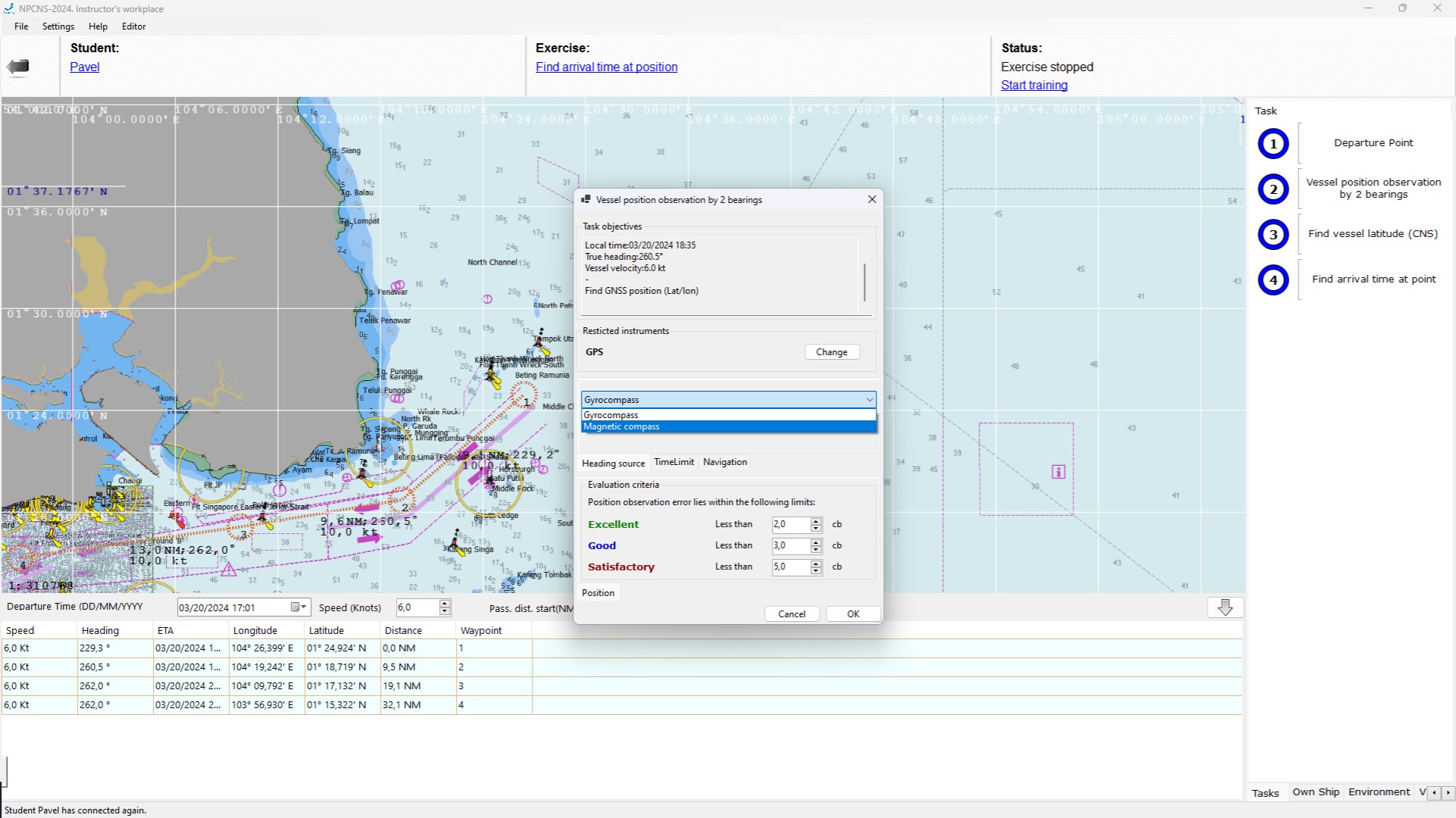
- create new exercises or edit previously created exercises using the exercise editor software included in the instructor's workstation.
- form and store in the register the results logs of students' practical training.
Exercise editor
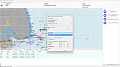
Exercise editor is intended for development and storage of exercises for their future use. During forming of the exercise there are performed:
- determination pf navigation area and type of the vessel
- setting the current date and time of the day
- setting up the route of the vessel is set up
- inputting required corrections
- setting up limit of time for performance
- setting up location of target vessels
- setting up hydrometeorological conditions
- setting up condition of navigational and astronomic devices work mode
Student WorkPlace software
Student WorkPlace allows drilling the following practical skills:
- in navigation
- dead-reckoning navigation (performing the main types of graphic plotting on the paper chart taking into consideration the external factors influence) including:
- calculation of vessel's position by known movement elements (course and speed): vessel coordinates, distance covered, log readings.
- calculation of the course and arrival time to the waypoint with the known coordinates in the given moment of time.
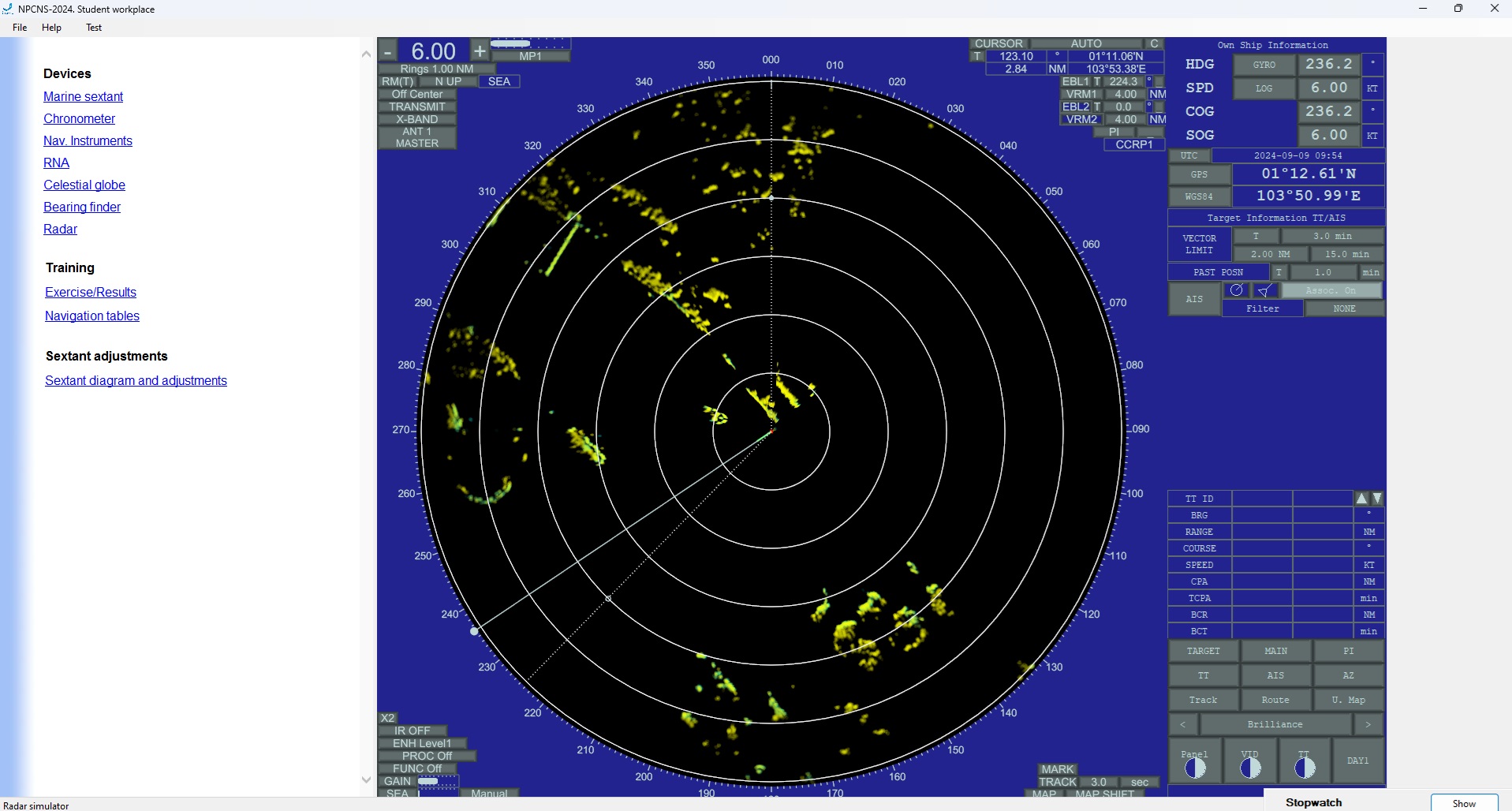
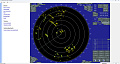
- position-finding (observation) by landmarks with the use of Radar simulator and visual monitoring:
- by bearings and distance;
- by 2 bearings; by 2 distances;
- by 3 bearings; by 3 distances;
- by cross-bearing method.
- pilotage (student should go through all the given waypoints), among them in the presence of wind and current.
- in nautical astronomy
- determine sextant corrections by horizon, star, Sun observation;
- determine chronometer correction;
- measure celestial altitudes with the use of sextant;
- correct celestial altitudes measured by sextant;
- adjust altitudes measured by sextant to one zenith;
- figure out celestial bodies for astro-navigational observations with the help of celestial globe;
- calculate longitudinal solar altitude time;
- determinate latitude by the Polar star height or by longitudinal solar altitude;
- determinate sunrise/sunset time;
- determinate time of the beginning and ending of observation (nautical twilight);
- train for celestial observation with the help of celestial globe;
- obtain coordinates fixed by observation by Sumner position lines;
- study the starry arch in any hemisphere;
- compass correction determination by sunrise azimuth or by celestial body bearing in selectable azimuth.
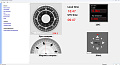
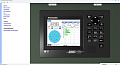
Simulation of the following equipment on the Student WorkPlace gives feeling of the real navigational bridge:
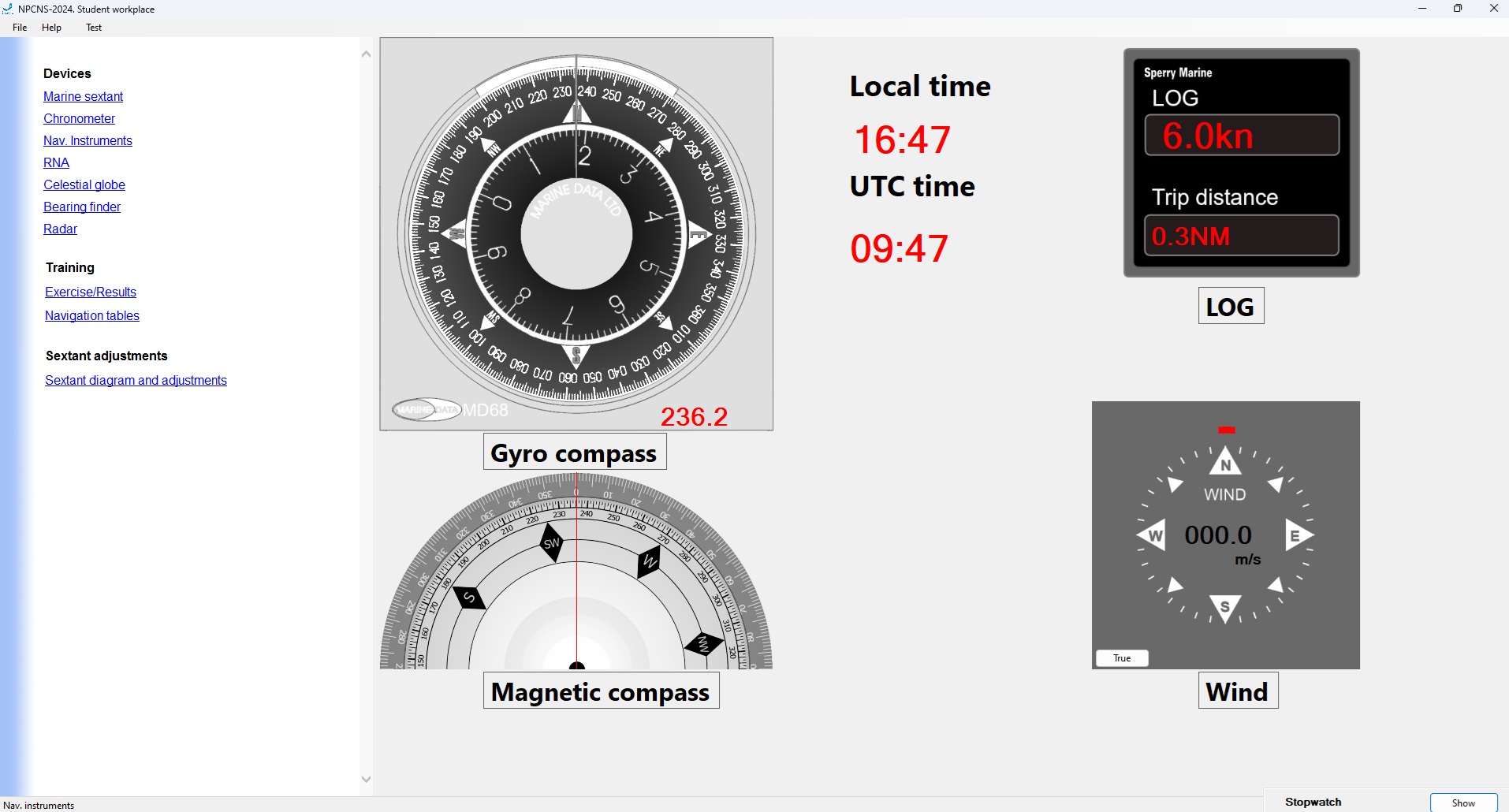
- magnetic compass,
- gyrocompass,
- optical position-finding device,
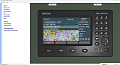
- radar,
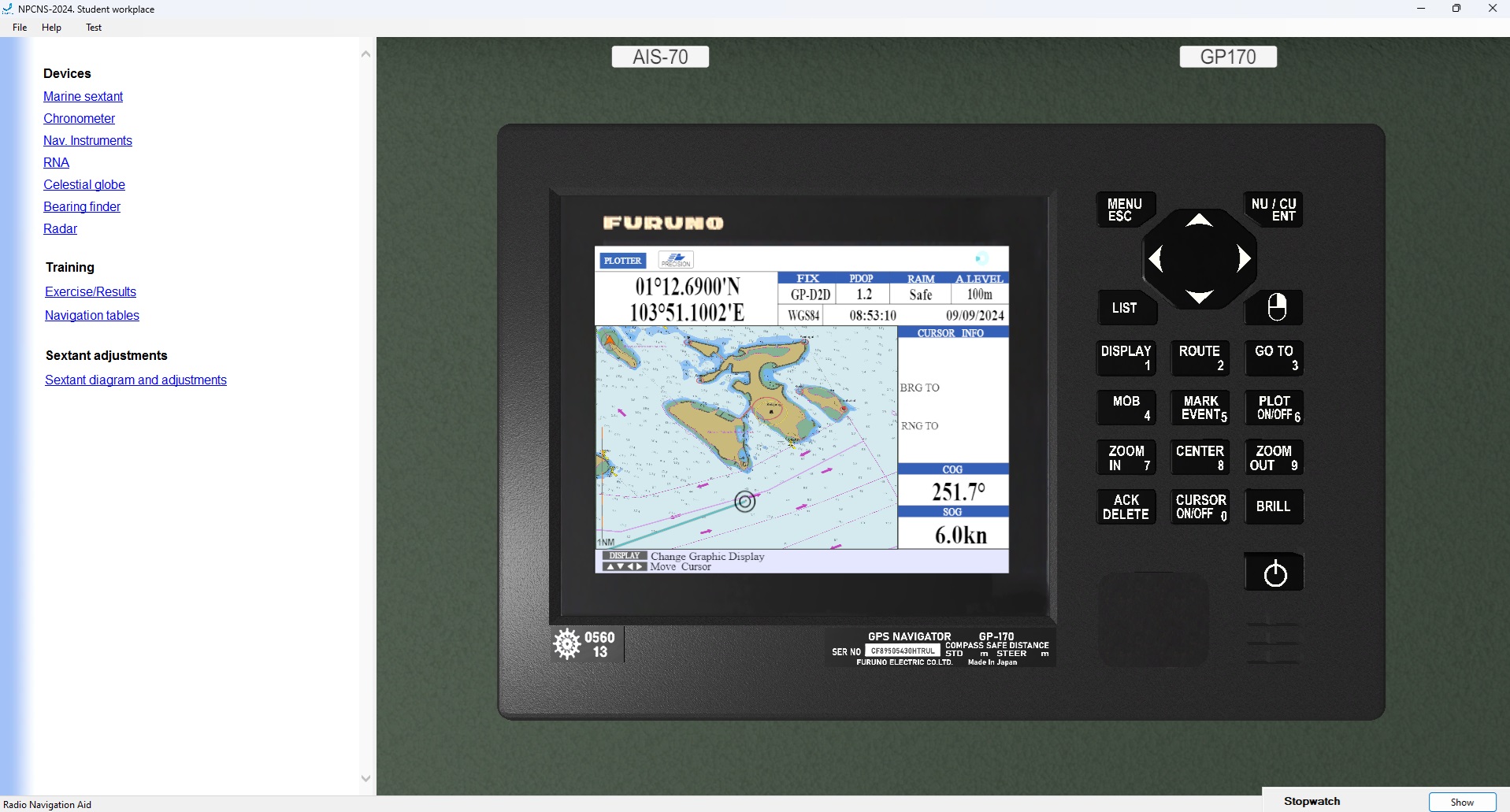
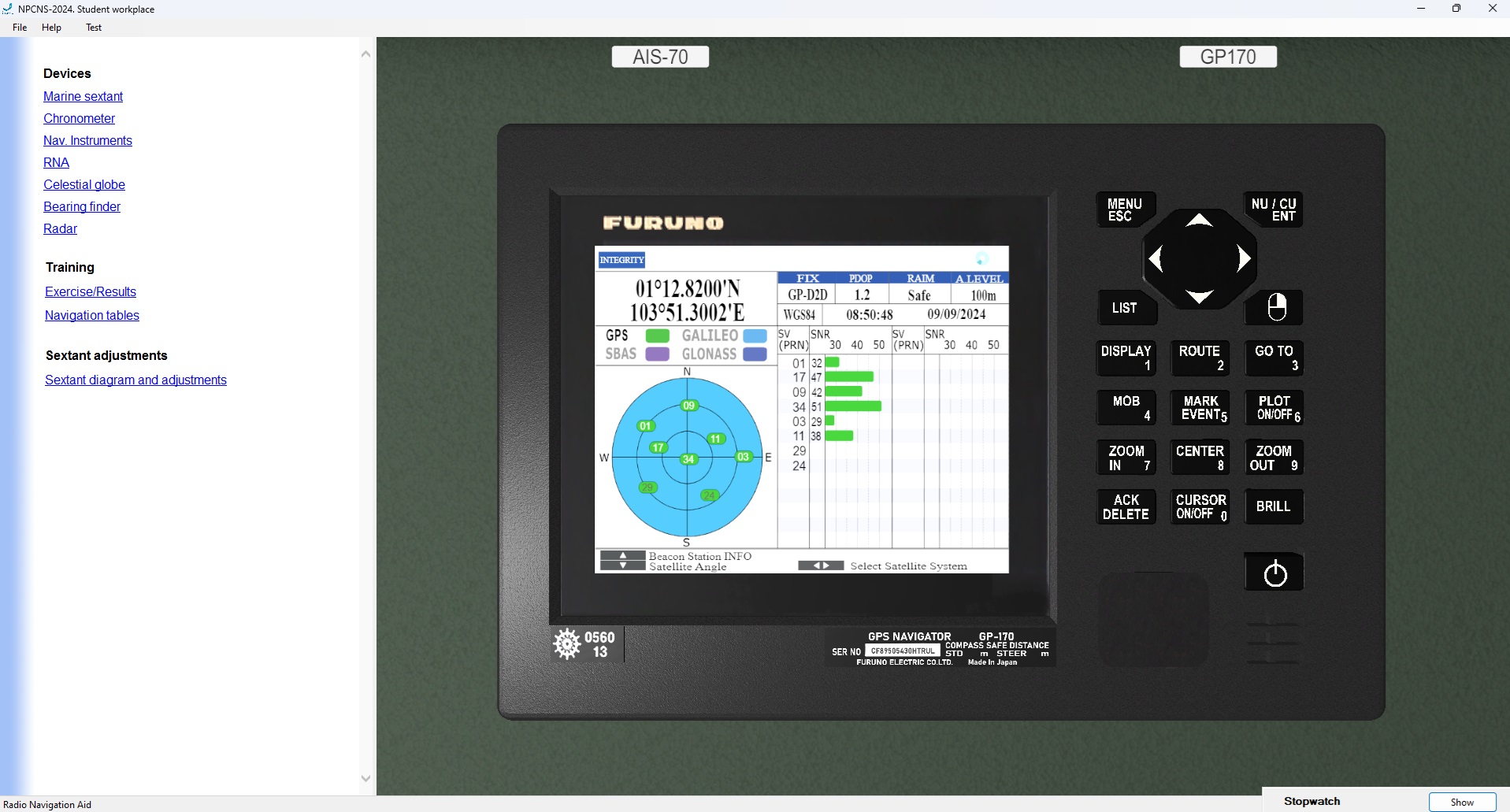
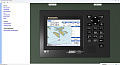
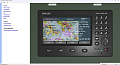
- GPS receiver-indicator,
- water speed log,
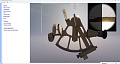
- sextant,
- celestial globe;
- chronometer;
- stop-watch timer.
Student WorkPlace software includes:
- system of surface picture and sky visualization in different time of the day,
- electronic chart with the plotting.
- display of the coastline and objects on the radar screen.
List of simulated areas:
- Bosphorus Strait (Turkey)
- Takoradi (Ghana)
- Strait of Gibraltar
- Surabaya (Indonesia)
- Tangier Mediterranean Sea (Morocco)
- Rostock (Germany)
- Viano de Castelo (Portugal)
- St. Petersburg (Russia)
- Singapore
Methodological guidelines and type exercises are developed for Singapore and St. Petersburg (Russia) navigation areas. These areas are included in the standard configuration. Other 7 areas are supplied at the Customer's request. Exercises for them can be developed independently using the exercise editor built into the Instructor Workplace.
Version 2.0 now allows for the development and inclusion of new navigation areas in the delivery package according to the Customer's technical specifications.
The Student WorkPlace software includes following trainee vessel models:
- Small craft
- Large-tonnage vessels
Regulations
STCW Code
- Sections A-II/1, A-II/2
- Section B-II/1 p.19 "Training in celestial navigation"